Connect Claude or ChatGPT to MyCashflow — operate your store with AI
How to give your own AI agent (Claude / ChatGPT) the keys to your MyCashflow store and run it agentically — the method from The AI-Run Store: the right scopes, safe writes, and a human in the loop.
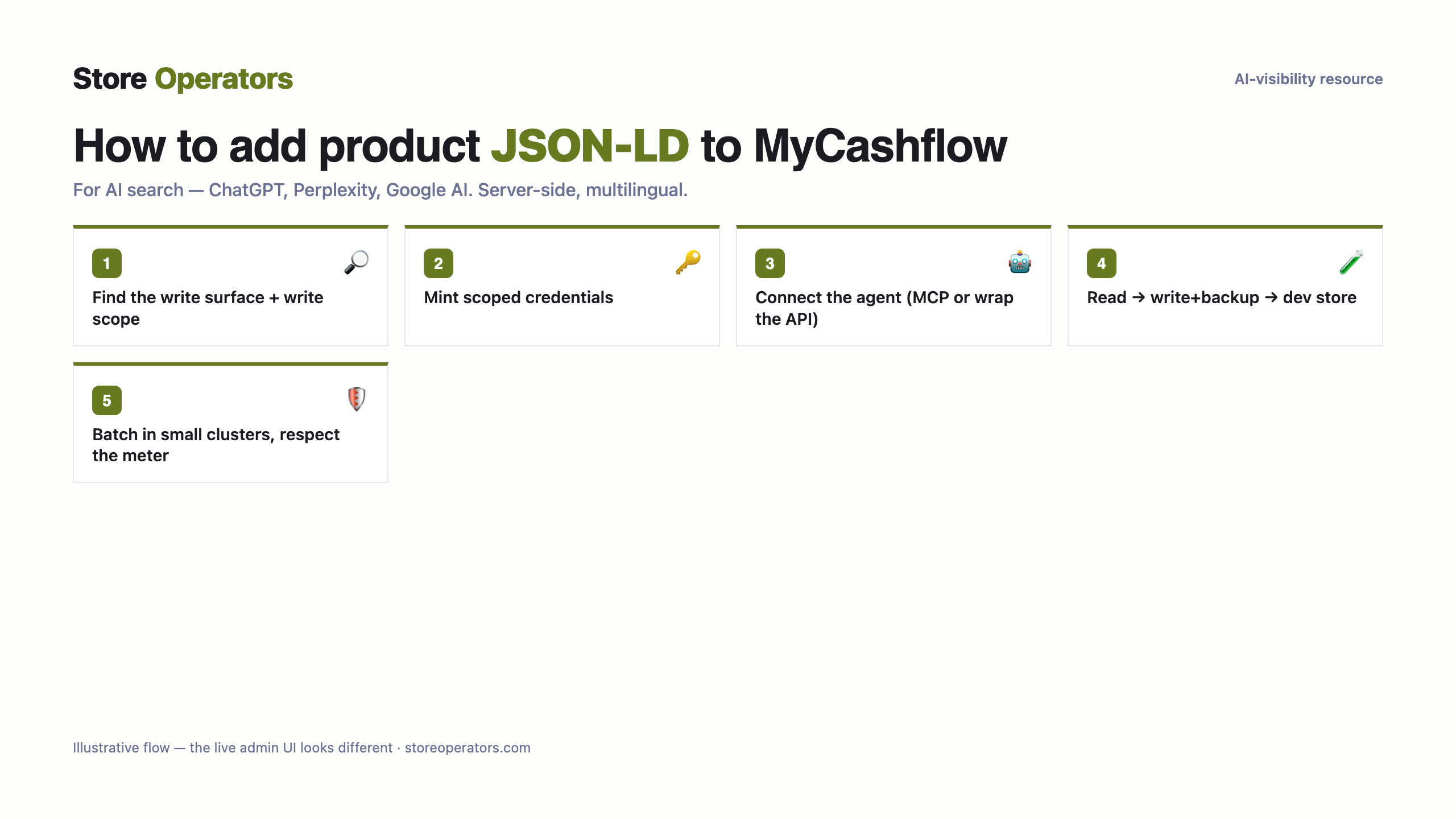
Connecting an AI agent to run a MyCashflow store (illustrative).
For a developer
Find the platform's write surface and confirm what an agent can actually change (products, orders, content, theme).
Mint scoped credentials for an agent (a dedicated integration/user), planning the scopes for what you'll let it do over the coming months.
Connect your AI agent (Claude / ChatGPT) — via an MCP connector if one exists, otherwise by wrapping the platform's API. MCP is a transport, not a credential.
Test read-only first, then write with a backup; rehearse on a dev store; respect the platform's rate meter.
Scopes: mint the agent only what it needs; widen as your trust grows.
Run read-only first and check the result; write only after a backup + preview.
Prompt for your AI agent — connect MyCashflow & implement
A complete copy-paste prompt for your own AI agent (Claude / ChatGPT). It tells the agent how to connect to your MyCashflow store and implement the JSON-LD for you — with safe-write discipline: backup, preview, verify, and your approval before publishing.
You are helping me connect my AI agent to my MyCashflow store so it can operate the store for me, safely.

SAFE-OPERATING DISCIPLINE (follow in order):
  1. Read first: point the agent at read-only tasks and confirm it sees your real data before any write.
  2. Back up before every write; rehearse unfamiliar jobs on a dev/staging store first.
  3. Plan the ring of keys for what you'll let the agent do over the coming months (re-scoping is painful on some platforms), and grant that at connect time.
  4. Batch writes in small clusters, not one giant run; respect the platform's rate meter.
  5. Store the credential in .env, reference it by name, never print it; keep it revocable from a UI you own.

CONNECT:
  1. Find the platform's write surface and confirm what an agent can actually change (products, orders, content, theme).
  2. Mint scoped credentials for an agent (a dedicated integration/user), planning the scopes for what you'll let it do over the coming months.
  3. Connect your AI agent (Claude / ChatGPT) — via an MCP connector if one exists, otherwise by wrapping the platform's API. MCP is a transport, not a credential.
  4. Test read-only first, then write with a backup; rehearse on a dev store; respect the platform's rate meter.

Then operate read-first, back up before writes, batch small, and ask me before anything customer-facing goes live.
Questions people ask their AI
What is the prompt to connect Claude to MyCashflow to run my store?
Use the runbook on this page: mint a scoped credential, load it from .env, and tell Claude to authenticate against the store's API, read first, back up before writes, and ask you before publishing.
Which scopes does an AI agent need to operate a MyCashflow store?
Grant the agent the scopes for what you'll let it do (products, orders, content, theme); plan them up front where re-scoping is painful.
Is it safe to let an AI agent operate my live store?
Yes, with the discipline in The AI-Run Store: read-first, back up before every write, rehearse on a dev store, batch small, and keep a human approving anything customer-facing. This page's runbook builds those in.