Connect Claude or ChatGPT to WooCommerce — operate your store with AI
How to give your own AI agent (Claude / ChatGPT) the keys to your WooCommerce store and run it agentically — the method from The AI-Run Store: the right scopes, safe writes, and a human in the loop.
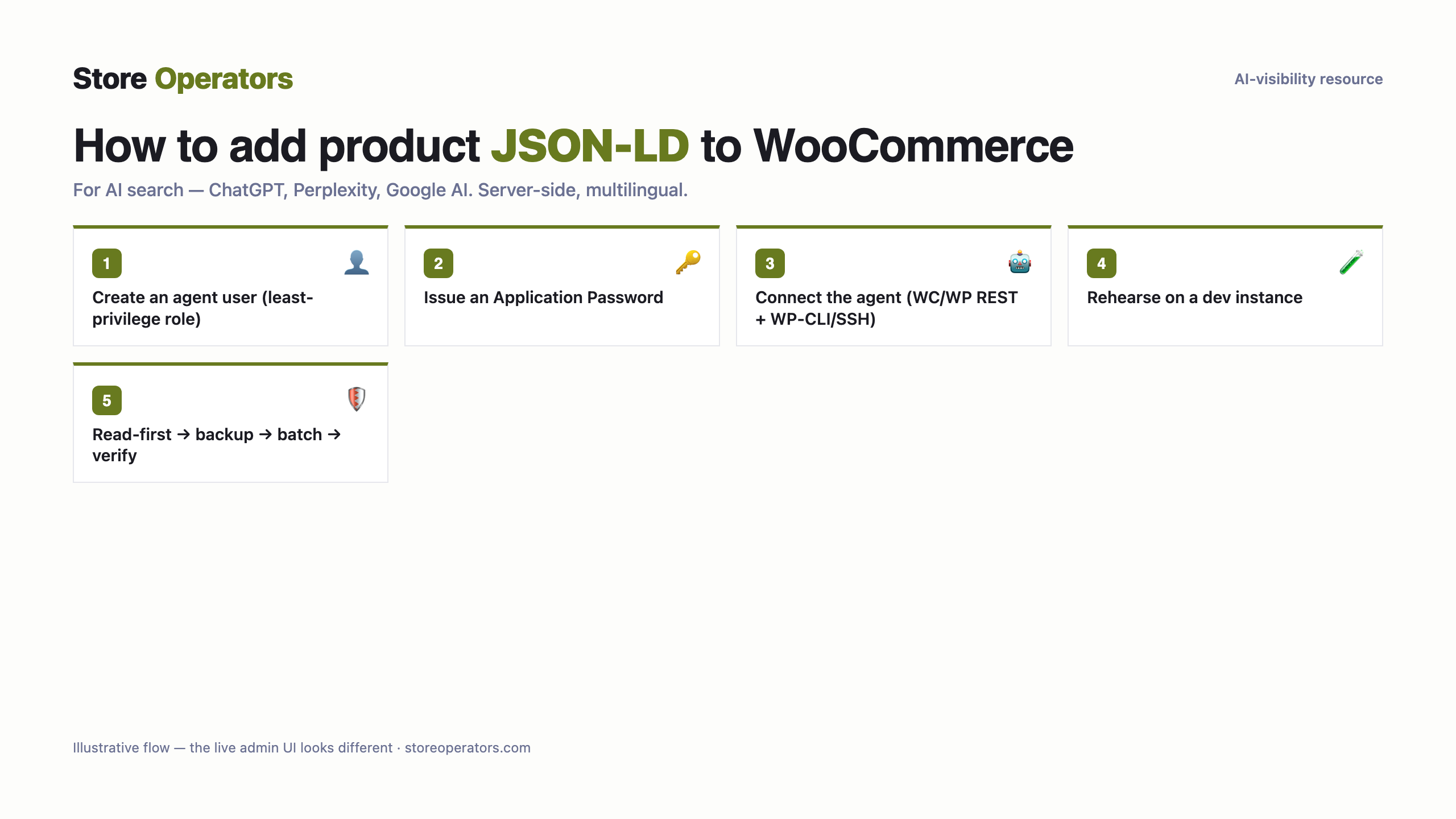
For a developer
- Create a dedicated agent user at the least-privilege role the job needs; issue it a WordPress Application Password (native since WP 5.6).
- Give the agent the WooCommerce REST + WordPress REST APIs (catalog, orders, content). For theme/plugin operations, give WP-CLI or SSH.
- Put the credential in .env; the agent authenticates with it. The role is the scope — keep it tight.
- Rehearse on a WordPress dev instance (VPS / local Docker) you own before pointing the agent at the live store.
WordPress Application Passwords inherit the user's ROLE — there are no per-scope tokens. So create a dedicated agent user at the least-privilege role the job needs (Shop Manager for catalogue, Administrator only if truly required) and issue the application password to that user. Deeper operations (theme, plugins) need WP-CLI/SSH.
Run read-only first and check the result; write only after a backup + preview.
The exact code
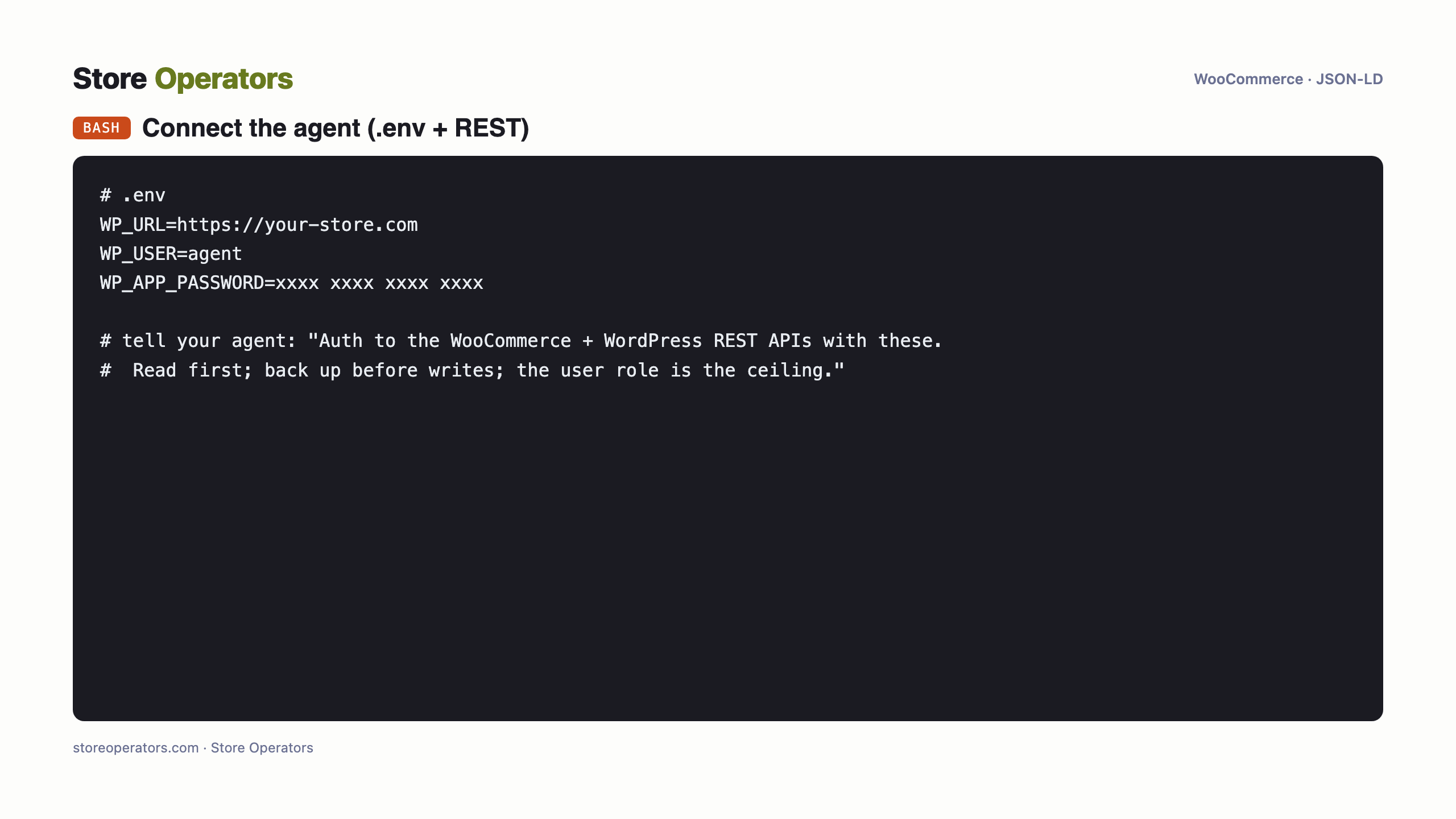
Prompt for your AI agent — connect WooCommerce & implement
A complete copy-paste prompt for your own AI agent (Claude / ChatGPT). It tells the agent how to connect to your WooCommerce store and implement the JSON-LD for you — with safe-write discipline: backup, preview, verify, and your approval before publishing.
You are helping me connect my AI agent to my WooCommerce store so it can operate the store for me, safely.

SAFE-OPERATING DISCIPLINE (follow in order):
  1. Read first: point the agent at read-only tasks and confirm it sees your real data before any write.
  2. Back up before every write; rehearse unfamiliar jobs on a dev/staging store first.
  3. Plan the ring of keys for what you'll let the agent do over the coming months (re-scoping is painful on some platforms), and grant that at connect time.
  4. Batch writes in small clusters, not one giant run; respect the platform's rate meter.
  5. Store the credential in .env, reference it by name, never print it; keep it revocable from a UI you own.

CONNECT:
  1. Create a dedicated agent user at the least-privilege role the job needs; issue it a WordPress Application Password (native since WP 5.6).
  2. Give the agent the WooCommerce REST + WordPress REST APIs (catalog, orders, content). For theme/plugin operations, give WP-CLI or SSH.
  3. Put the credential in .env; the agent authenticates with it. The role is the scope — keep it tight.
  4. Rehearse on a WordPress dev instance (VPS / local Docker) you own before pointing the agent at the live store.

SCOPES: WordPress Application Passwords inherit the user's ROLE — there are no per-scope tokens. So create a dedicated agent user at the least-privilege role the job needs (Shop Manager for catalogue, Administrator only if truly required) and issue the application password to that user. Deeper operations (theme, plugins) need WP-CLI/SSH.

Then operate read-first, back up before writes, batch small, and ask me before anything customer-facing goes live.
Questions people ask their AI
- What is the prompt to connect Claude to WooCommerce to run my store?
- Use the runbook on this page: mint a scoped credential, load it from .env, and tell Claude to authenticate against the store's API, read first, back up before writes, and ask you before publishing.
- Which scopes does an AI agent need to operate a WooCommerce store?
- WordPress Application Passwords inherit the user's ROLE — there are no per-scope tokens. So create a dedicated agent user at the least-privilege role the job needs (Shop Manager for catalogue, Administrator only if truly required) and issue the application password to that user. Deeper operations (theme, plugins) need WP-CLI/SSH.
- Is it safe to let an AI agent operate my live store?
- Yes, with the discipline in The AI-Run Store: read-first, back up before every write, rehearse on a dev store, batch small, and keep a human approving anything customer-facing. This page's runbook builds those in.
Sources
Get found and recommended by AI
Store Operators makes your store AI-visible and agent-ready — from a free audit to a done-for-you data layer and agentic commerce.