Yhdistä Claude tai ChatGPT WooCommerceiin — operoi kauppaa tekoälyllä
Miten annat oman tekoälyagenttisi (Claude / ChatGPT) avaimet WooCommerce-kauppaasi ja operoit sitä agenttisesti — The AI-Run Store -kirjan menetelmä: oikeat scopet, turvalliset kirjoitukset ja ihminen loopissa.
Devaajalle
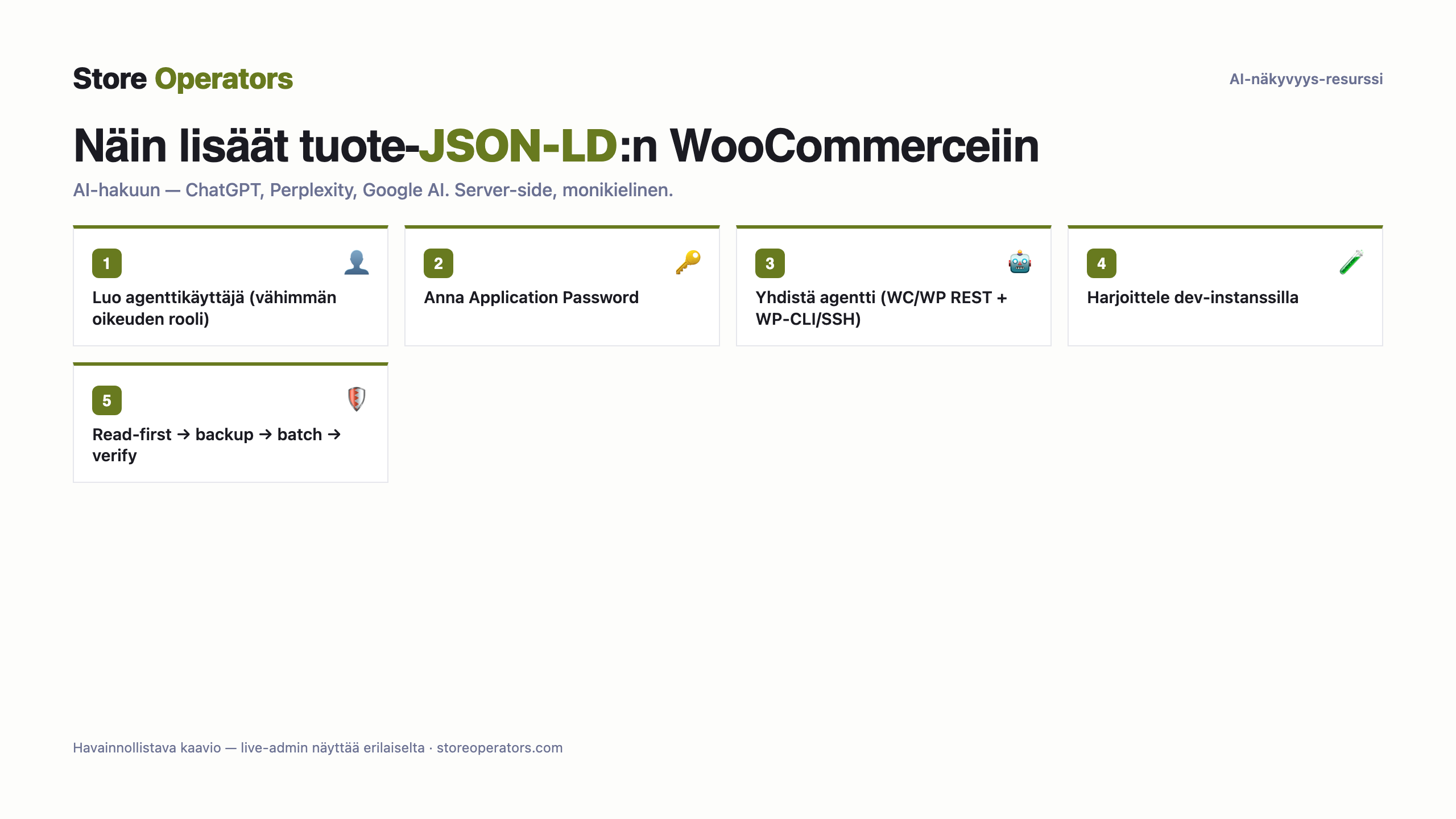
- Luo oma agenttikäyttäjä vähimmän oikeuden roolilla; anna sille WordPress Application Password (natiivi WP 5.6:sta).
- Anna agentille WooCommerce REST + WordPress REST -API:t (katalogi, tilaukset, sisältö). Teema-/plugin-operointiin anna WP-CLI tai SSH.
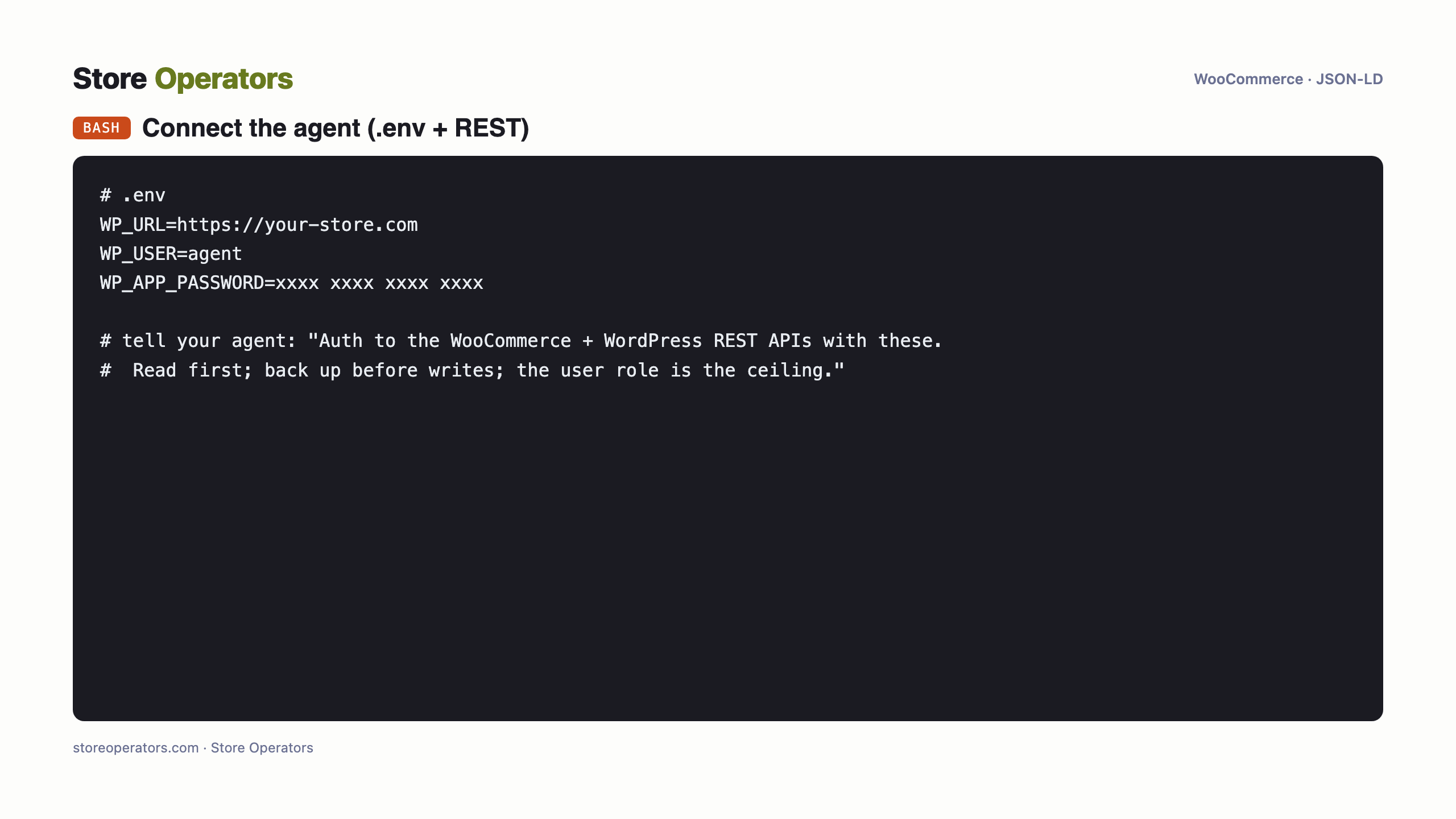
- Laita tunnus .env:iin; agentti autentikoi sillä. Rooli on scope — pidä tiukkana.
- Harjoittele omistamallasi WordPress-dev-instanssilla (VPS / paikallinen Docker) ennen livekauppaa.
WordPressin Application Password perii käyttäjän ROOLIN — ei per-scope-tokeneita. Luo siis oma agenttikäyttäjä vähimmän oikeuden roolilla (Shop Manager katalogiin, Administrator vain jos pakko) ja anna application password sille. Syvempi operointi (teema, pluginit) vaatii WP-CLI/SSH:n.
Aja ensin read-only ja tarkista tulos; kirjoita vasta backupin + esikatselun jälkeen.
Tarkka koodi
Prompti tekoälyagentillesi — yhdistä WooCommerce & toteuta
Valmis kopioi–liitä-prompti omalle tekoälyagentillesi (Claude / ChatGPT). Se kertoo agentille miten se yhdistää WooCommerce-kauppaasi ja toteuttaa JSON-LD:n puolestasi — turvakurilla: varmuuskopio, esikatselu, verifiointi ja sinun hyväksyntäsi ennen julkaisua.
You are helping me connect my AI agent to my WooCommerce store so it can operate the store for me, safely.

SAFE-OPERATING DISCIPLINE (follow in order):
  1. Read first: point the agent at read-only tasks and confirm it sees your real data before any write.
  2. Back up before every write; rehearse unfamiliar jobs on a dev/staging store first.
  3. Plan the ring of keys for what you'll let the agent do over the coming months (re-scoping is painful on some platforms), and grant that at connect time.
  4. Batch writes in small clusters, not one giant run; respect the platform's rate meter.
  5. Store the credential in .env, reference it by name, never print it; keep it revocable from a UI you own.

CONNECT:
  1. Create a dedicated agent user at the least-privilege role the job needs; issue it a WordPress Application Password (native since WP 5.6).
  2. Give the agent the WooCommerce REST + WordPress REST APIs (catalog, orders, content). For theme/plugin operations, give WP-CLI or SSH.
  3. Put the credential in .env; the agent authenticates with it. The role is the scope — keep it tight.
  4. Rehearse on a WordPress dev instance (VPS / local Docker) you own before pointing the agent at the live store.

SCOPES: WordPress Application Passwords inherit the user's ROLE — there are no per-scope tokens. So create a dedicated agent user at the least-privilege role the job needs (Shop Manager for catalogue, Administrator only if truly required) and issue the application password to that user. Deeper operations (theme, plugins) need WP-CLI/SSH.

Then operate read-first, back up before writes, batch small, and ask me before anything customer-facing goes live.
Mitä ihmiset kysyvät tekoälyltään
- Mikä on prompti jolla yhdistän Clauden WooCommerceiin operoidakseni kauppaani?
- Käytä tämän sivun runbookia: mintaa scopetettu tunnus, lataa se .env:istä, ja pyydä Claudea autentikoimaan kaupan API:a vasten, lukemaan ensin, varmuuskopioimaan ennen kirjoituksia ja kysymään sinulta ennen julkaisua.
- Mitä scopeja tekoälyagentti tarvitsee WooCommerce-kaupan operointiin?
- WordPressin Application Password perii käyttäjän ROOLIN — ei per-scope-tokeneita. Luo siis oma agenttikäyttäjä vähimmän oikeuden roolilla (Shop Manager katalogiin, Administrator vain jos pakko) ja anna application password sille. Syvempi operointi (teema, pluginit) vaatii WP-CLI/SSH:n.
- Onko turvallista antaa tekoälyagentin operoida live-kauppaani?
- Kyllä, The AI-Run Store -kirjan kurilla: read-first, varmuuskopio ennen jokaista kirjoitusta, harjoittelu dev-storessa, pienet erät ja ihminen hyväksymässä kaiken asiakkaalle näkyvän. Tämän sivun runbook rakentaa ne sisään.
Lähteet
Näy ja tule suositelluksi tekoälyssä
Store Operators tekee kaupastasi AI-näkyvän ja agenttivalmiin — ilmaisesta auditista puolestasi rakennettuun datalayeriin ja agenttiseen kauppaan.